Operations Dashboard & Client Follow-Up System
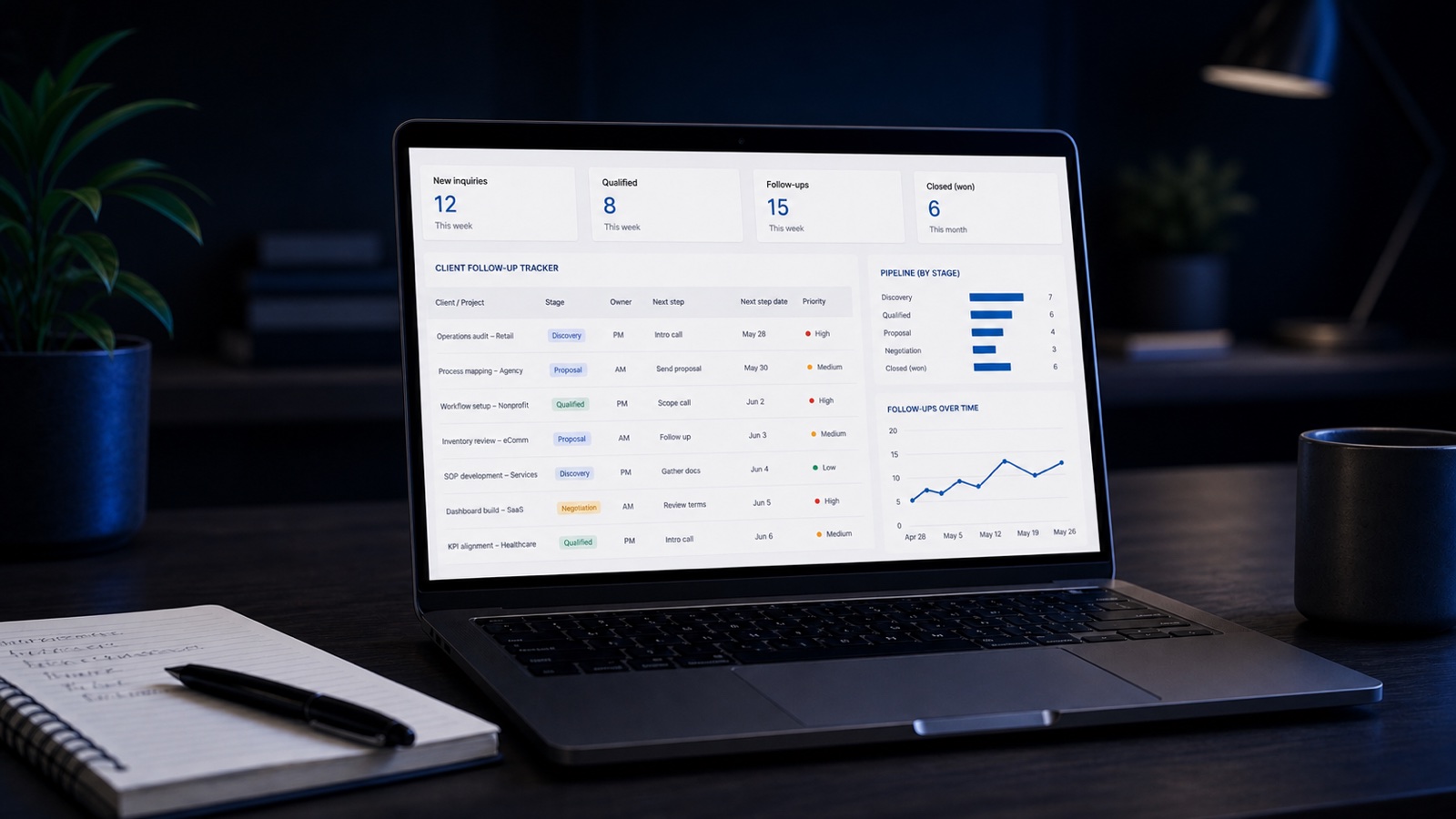
A 6-person digital agency was losing leads in scattered WhatsApp threads. We built one live dashboard that made the whole pipeline — and who to follow up with today — visible at a glance.
Explore the working Google Sheets system.
Open the read-only example to review the dashboard, lead and client tracking, payments, tasks, archive and user guide.
The problem
Leads came in from Instagram, WhatsApp, email, and referrals — then disappeared into a dozen separate threads. The founder was the only one who “knew” where each deal stood. Follow-ups happened when someone remembered, which often meant they didn't. Deals went cold. No one could answer the simple question: who do we follow up with today?
The solution
We built a single Google Sheets system that became the agency's source of truth. Every lead — regardless of where it came from — gets logged once, moves through clear stages (New → Contacted → Proposal → Won/Lost), and shows its age so nothing quietly rots. A dashboard tab turns that data into one view: pipeline value, follow-up rate, and today's action list.
Deliverables
- Lead tracker with 5 custom sales stages
- Automated lead-age & follow-up flags
- Client follow-up system with reminders
- Payment & invoicing tracker
- Task tracker for delivery team
- Executive dashboard (pipeline, rate, revenue)
- Conditional formatting for overdue actions
- Short SOP for team adoption
Modeled outcome
In this representative scenario, the system makes cold leads visible again, raises follow-up consistency and removes the founder as the only person who understands the pipeline. The figures below illustrate the performance targets the workflow is designed to support.